Repurpose takes the WORDS of a post and rewrites them for every other platform, so one good idea becomes a Facebook post, a LinkedIn post, an Instagram carousel and a short-video script without you writing any of them again.
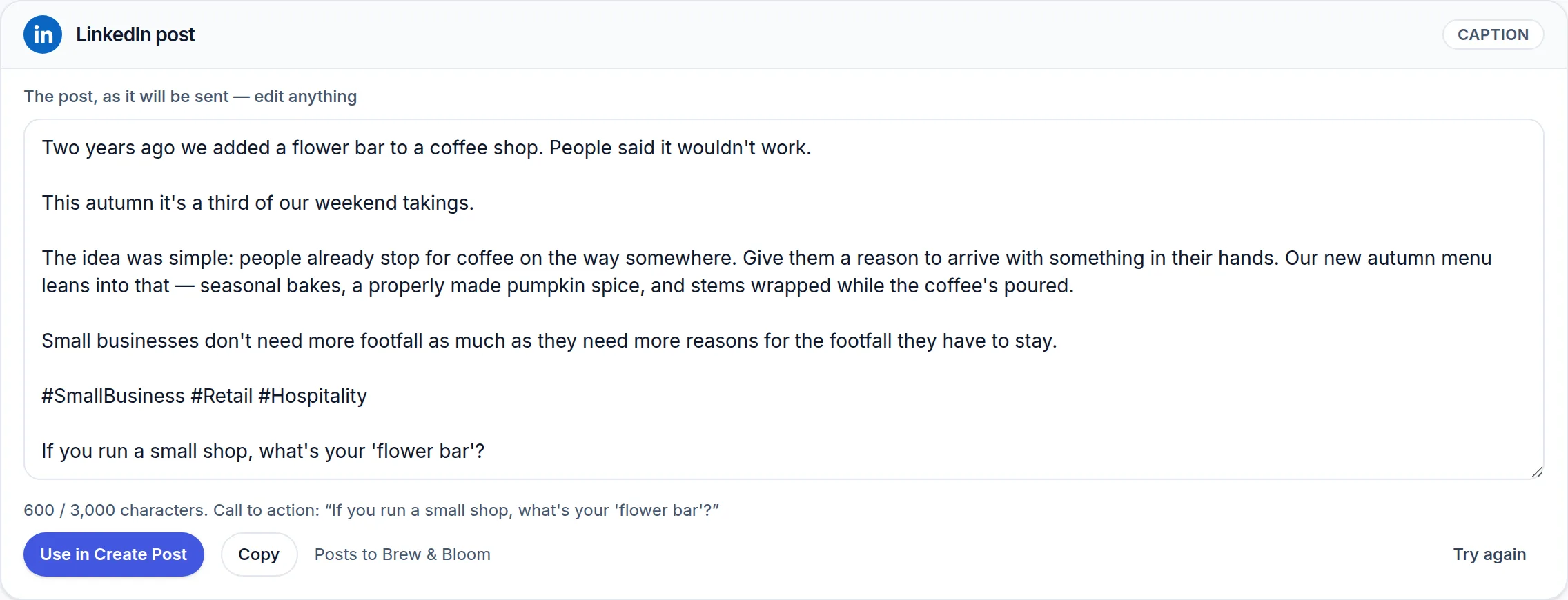 (opens the full-size screenshot)
How it works
- Paste a caption, or pick one of your recent posts from the list.
- Choose which formats you want it turned into.
- Repurpose it, then send any result straight into the composer.
Worth posting again
Below the source box, Repurpose surfaces older posts that beat your typical numbers and are far enough back to feel new again. Reusing one starts a cooldown, so the same post will not be suggested to you every week.
Repurpose uses your monthly AI allowance. Carousels and video scripts cost a little more than a plain caption because more is being generated.