Social media that runs like you have a marketing team
The analysis, the AI content and the scheduling in one place, so a week of posts takes an hour, not your Sunday.
No card needed · moves to Free after 14 days
Publishes to all 13 platforms: LinkedIn, Instagram, Facebook, X, YouTube, TikTok, Pinterest, Threads, Google Business, Bluesky, Mastodon, Telegram and Discord.
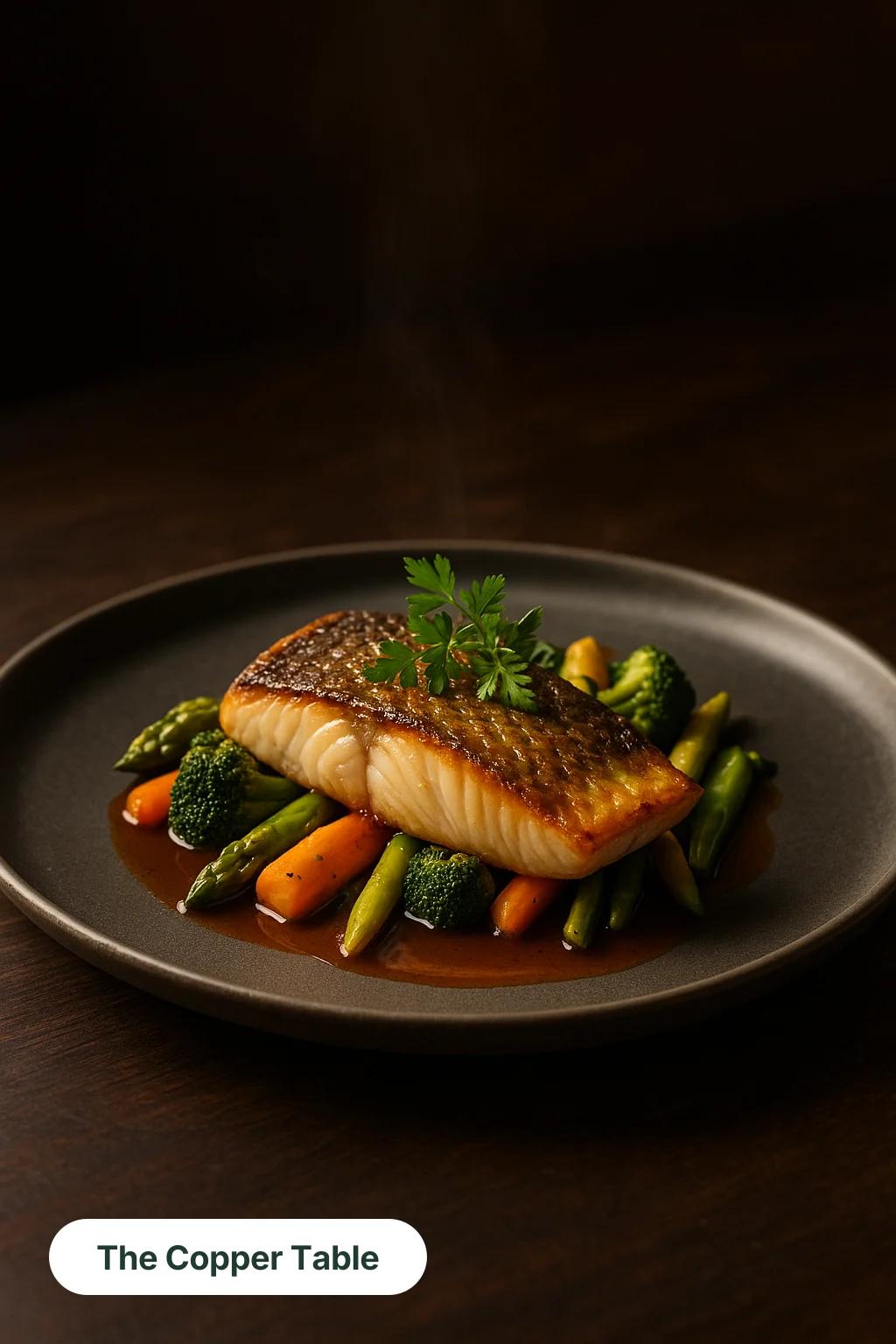
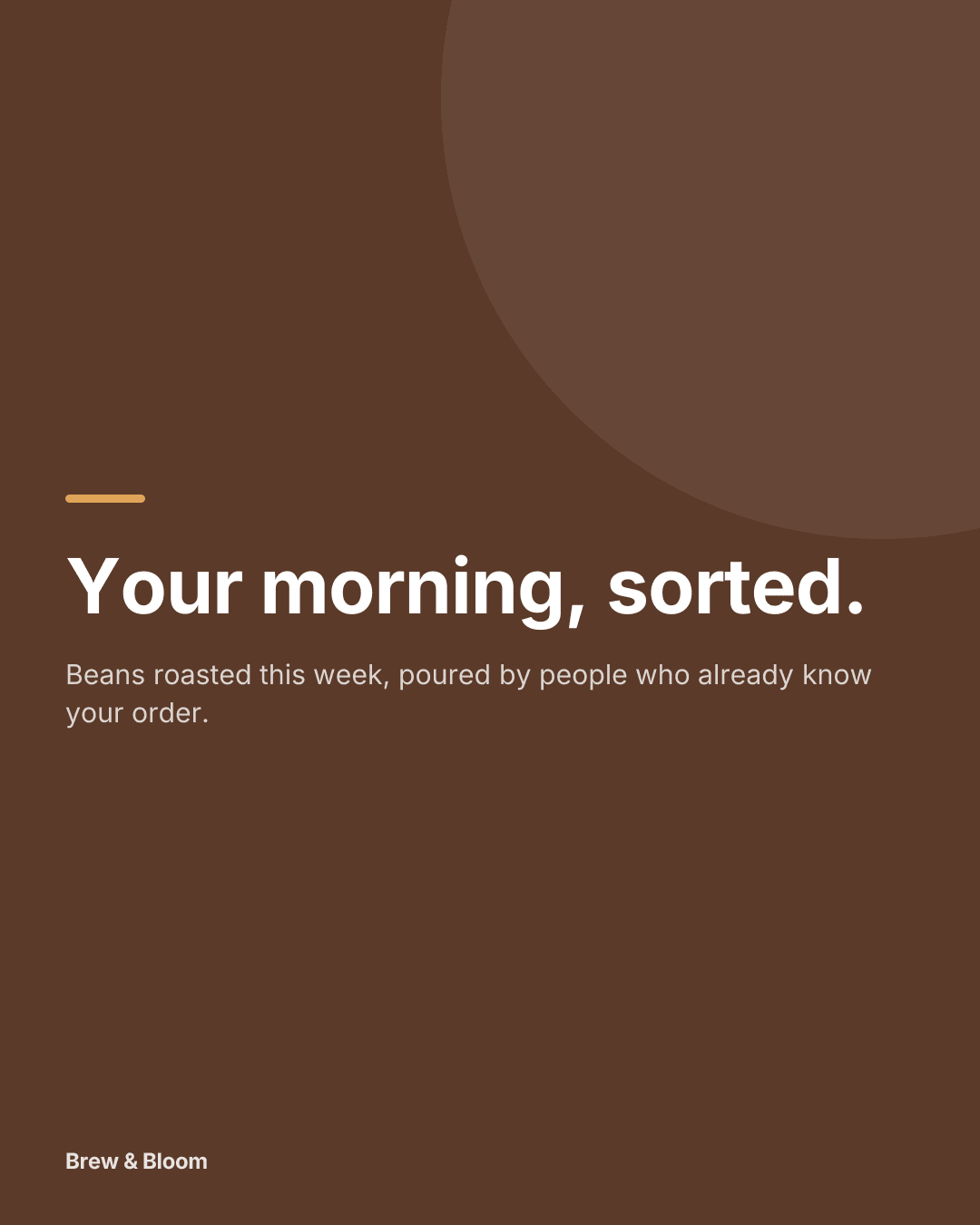
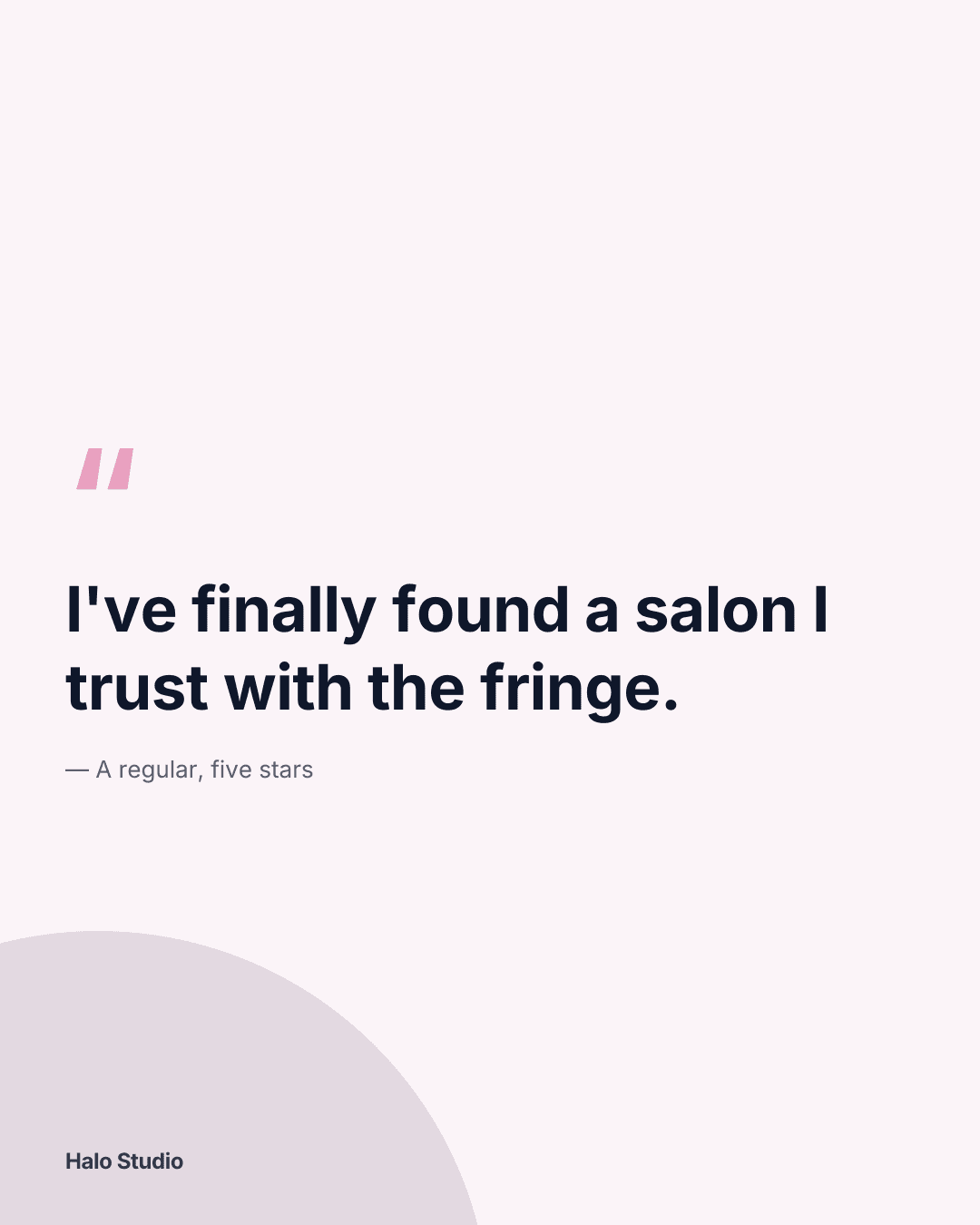
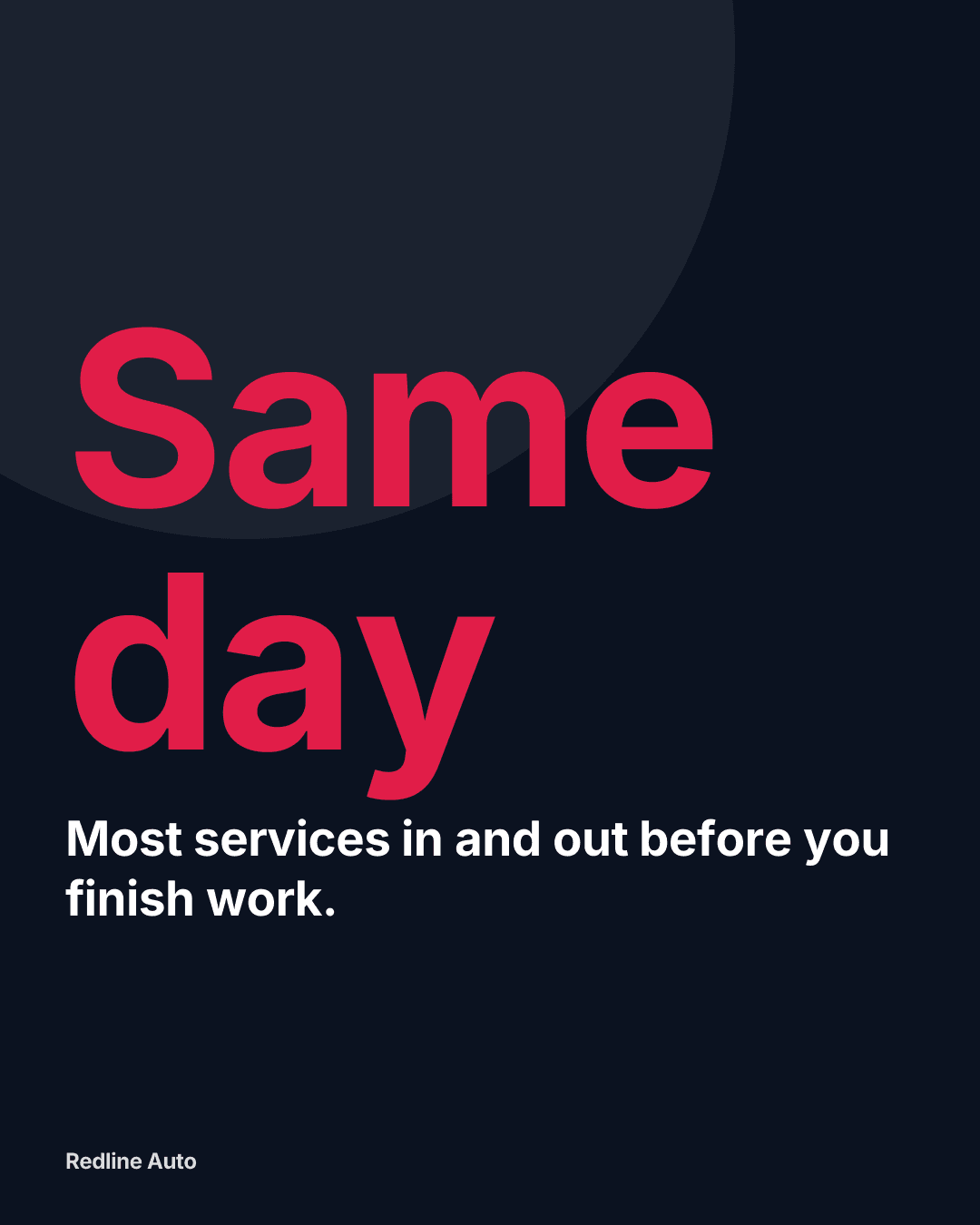
These were all made in Optimate
Example posts made in Optimate for five different types of business — each in its own colours and voice. Not a mockup, not stock.


Sound familiar?
No time to post consistently
You know consistency matters, but between running the business and everything else, posting slips — and momentum resets every time.
Guessing what to post
Staring at a blank caption box, unsure what will land or which platform to prioritise this week.
No idea what's working
Numbers are scattered across each platform, so it's hard to know what to do more of — or whether social is paying off at all.
Everything a small business needs, in one workspace
No juggling ChatGPT, Canva, spreadsheets and each platform's own tools. Optimate connects your accounts and turns social into a repeatable system.
AI content in your brand voice
Generate captions, hooks, hashtags and images tailored to each platform — set your brand tone once and reuse what works.
Plan and schedule a full week fast
Map posts on a visual planner and queue them across all your channels, so your feed stays active even in a busy week.
One clear analytics view
See reach, engagement and your best-performing posts in one dashboard for your connected accounts on paid plans — no more tab-hopping (LinkedIn doesn't share analytics for personal profiles).
Data-backed recommendations
Get a prioritised, plain-English plan of what to post next and which formats to double down on, based on your own results.
Comments in one inbox
On paid plans, comments on your posts come into one inbox from the platforms that allow it, so you can reply without opening each app. Optimate can draft a reply in your voice for you to check.
Stay on brand automatically
Add your tone, audience and goals once and every AI draft comes out sounding like you, not a generic bot.
Sounds like your business. Not like every other AI post.
The same brief for The Copper Table, a bistro in our examples, written twice: once by a generic AI with no brand information, once by Optimate from the bistro’s brand kit (trimmed for length, nothing added).
The brief: “Tables for this weekend are nearly gone. Book Friday or Saturday.”
Swipe to see the Optimate version
✨ Almost fully booked for the weekend! ✨ Don’t miss out—reserve your table now before it’s too late. 🍽️❤️ #WeekendVibes #BookNow #LastSpots
- Weak: Emoji in every line
- Weak: “Don’t miss out”, the line every brand uses
- Weak: Hashtags anyone could post
- Weak: No picture: you still have to make one
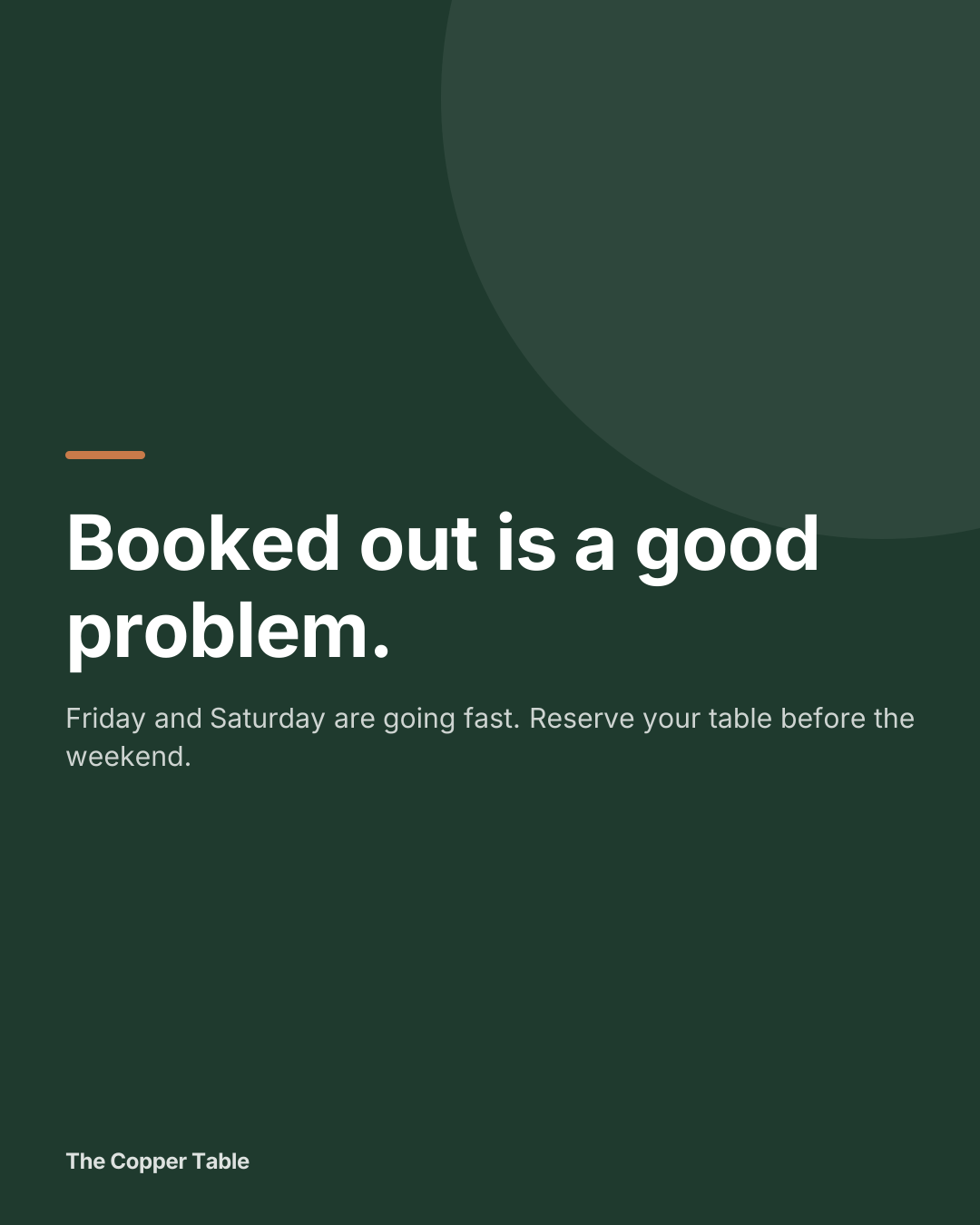
Friday and Saturday bookings are almost full. If you’ve been thinking about popping in for a seasonal plate and a quiet glass, now’s the time to lock it in. We’ve got that one private table still up for grabs if you’re bringing friends. #TheCopperTable #SeasonalEats
- Strong: Their voice: warm, unfussy, a little dry
- Strong: Real detail: a seasonal plate, the private table
- Strong: A graphic in their colours, with their name on it
- Strong: Their own hashtag, not a trending one
The actual product
Your week with Optimate
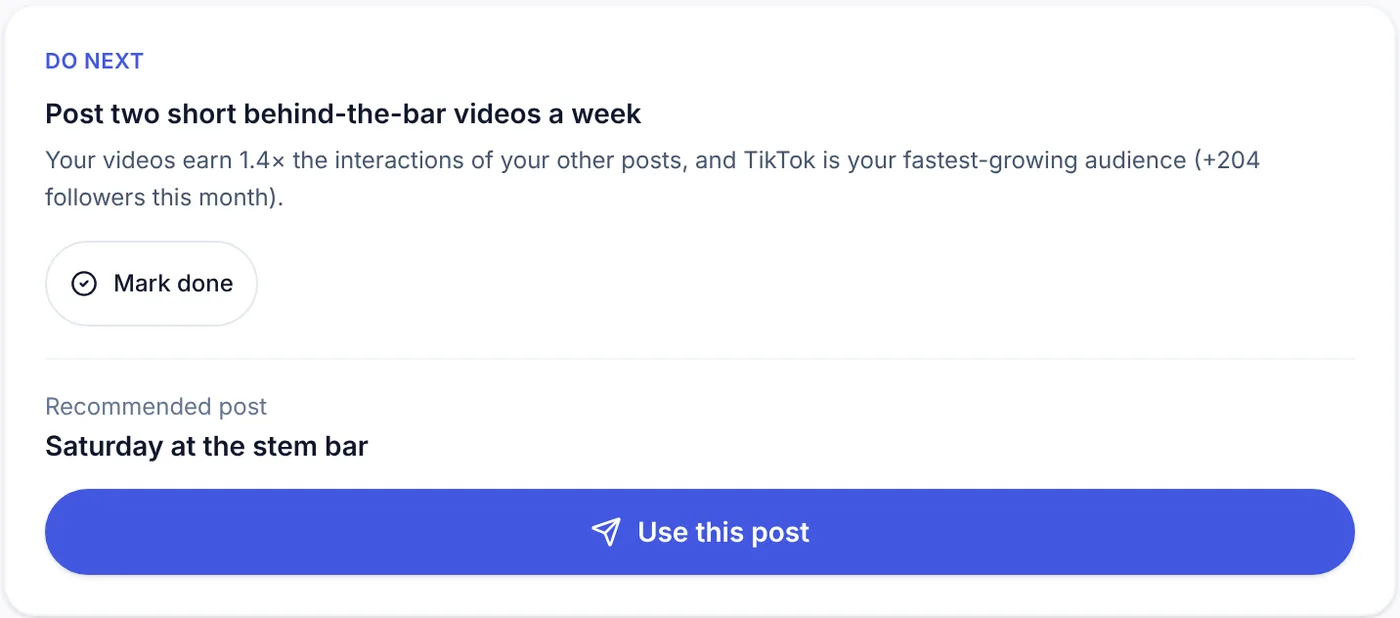
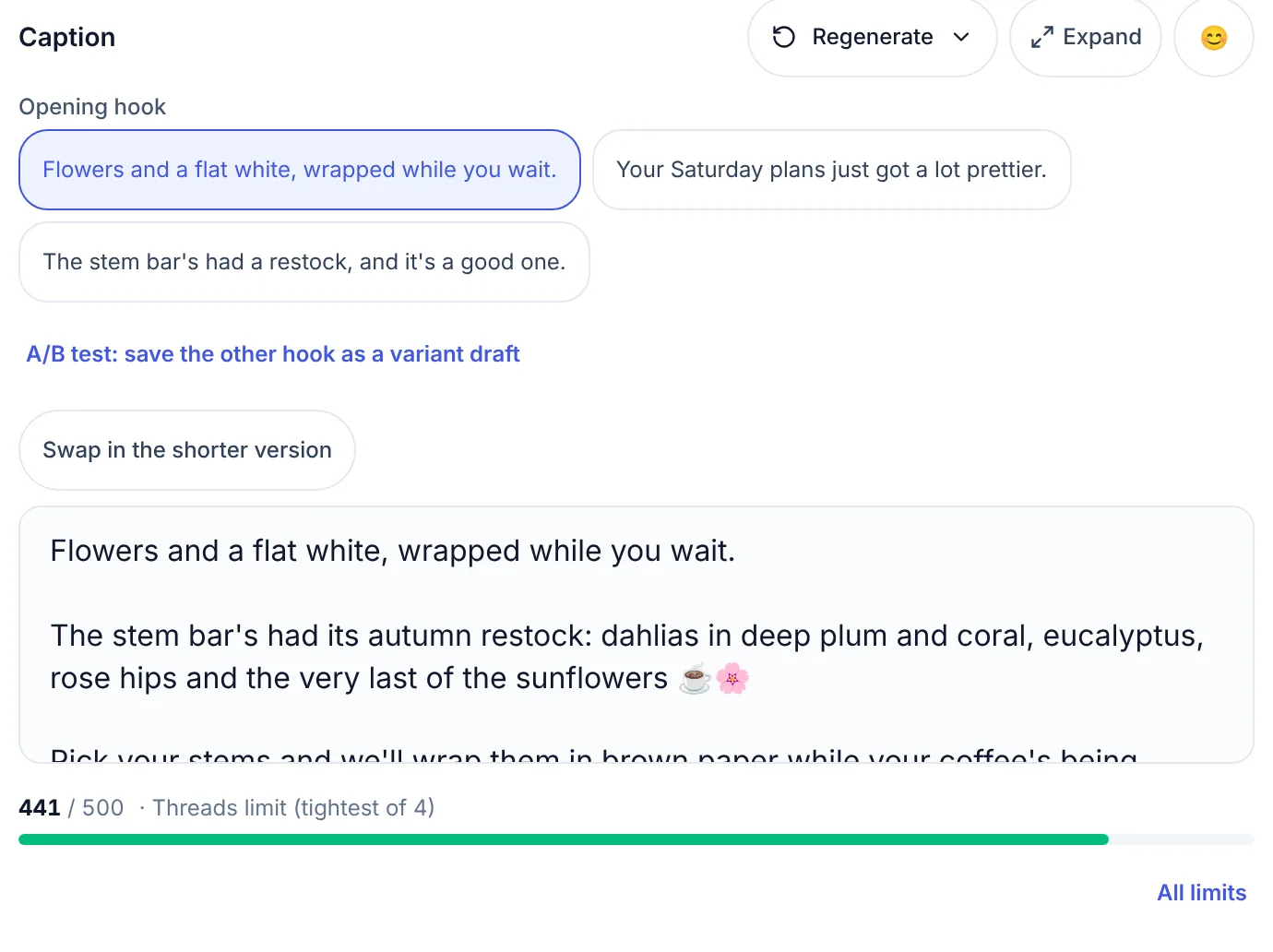
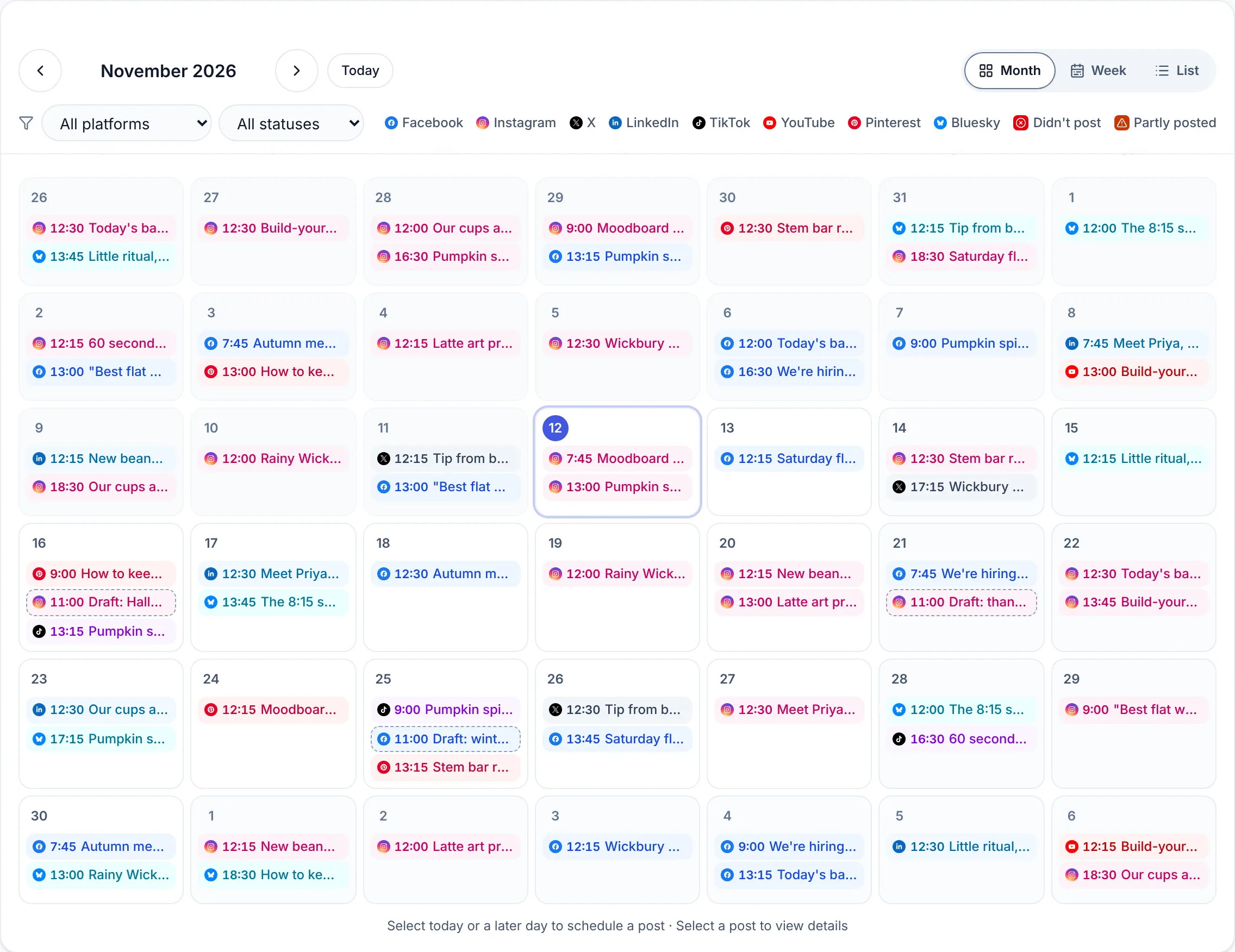
Real Optimate screens, not a mock-up, filled in with demo businesses.
Step 1
Review what's working
Open the dashboard, see your numbers and recommendations, and pick this week's focus in a couple of minutes.
Step 2
Generate and plan
Turn ideas into on-brand drafts with AI, then drop them onto the planner across your channels.
Step 3
Schedule and move on
Queue the week, then get back to running your business. Come back next week and repeat.
Plans from £29 a month
Every paid plan publishes to all the supported platforms. Start with 14 days free, no card. After that you choose a plan or move to Free, and nothing is charged unless you subscribe.
Pro
For one brand- Pro price
- £29 / month
- Up to 10 connected accounts
- AI posts, designs and analytics
- Inbox and Claude, ChatGPT & Copilot
Studio
For a handful of clients- Studio price
- £59 / month
- Up to 3 clients, 15 connected accounts
- Client approval links
- Client-branded report links
Agency
For agencies- Agency price
- £135 / month
- Unlimited clients, up to 50 connected accounts
- Your branding on reports and approvals
- Priority support
Common questions
Do I need marketing experience to use Optimate?
No. Optimate gives you a clear process and AI suggestions, so you don't need to be a social media expert to post consistently and see results.
Which platforms does it support?
LinkedIn, Instagram, Facebook, X, YouTube, TikTok, Pinterest, Threads, Google Business, Bluesky, Mastodon, Telegram and Discord — all managed from one place. LinkedIn: personal profiles for now; Company Pages once LinkedIn approves Optimate.
How much does it cost?
Every new account starts with a 14-day free trial, no card needed. After that there's a free plan: up to 3 connected accounts and 5 free AI generations to try, for captions, branded designs and carousels; AI pictures and video are on paid plans. Pro is £29/month (early-adopter price) or £290/year.
How long does it take to set up?
A few minutes — connect your accounts, add your brand details, and you can generate and schedule your first posts the same day.
By industry
Pages for your line of work, each with example posts made for that kind of business.
Food, drink & hospitality
Health, beauty & care
Professional services
Home, trades & motoring
Shops, creative & community
Try Optimate with your next week of content
Connect a profile, generate a few posts and see how much time it saves. If it doesn't, stay on Free.
No card needed · moves to Free after 14 days