Post consistently and grow — without the burnout
Batch-create in your voice, schedule everywhere, and see what's working.
No card needed · moves to Free after 14 days
Publishes to all 13 platforms: LinkedIn, Instagram, Facebook, X, YouTube, TikTok, Pinterest, Threads, Google Business, Bluesky, Mastodon, Telegram and Discord.
Swipe for more screens
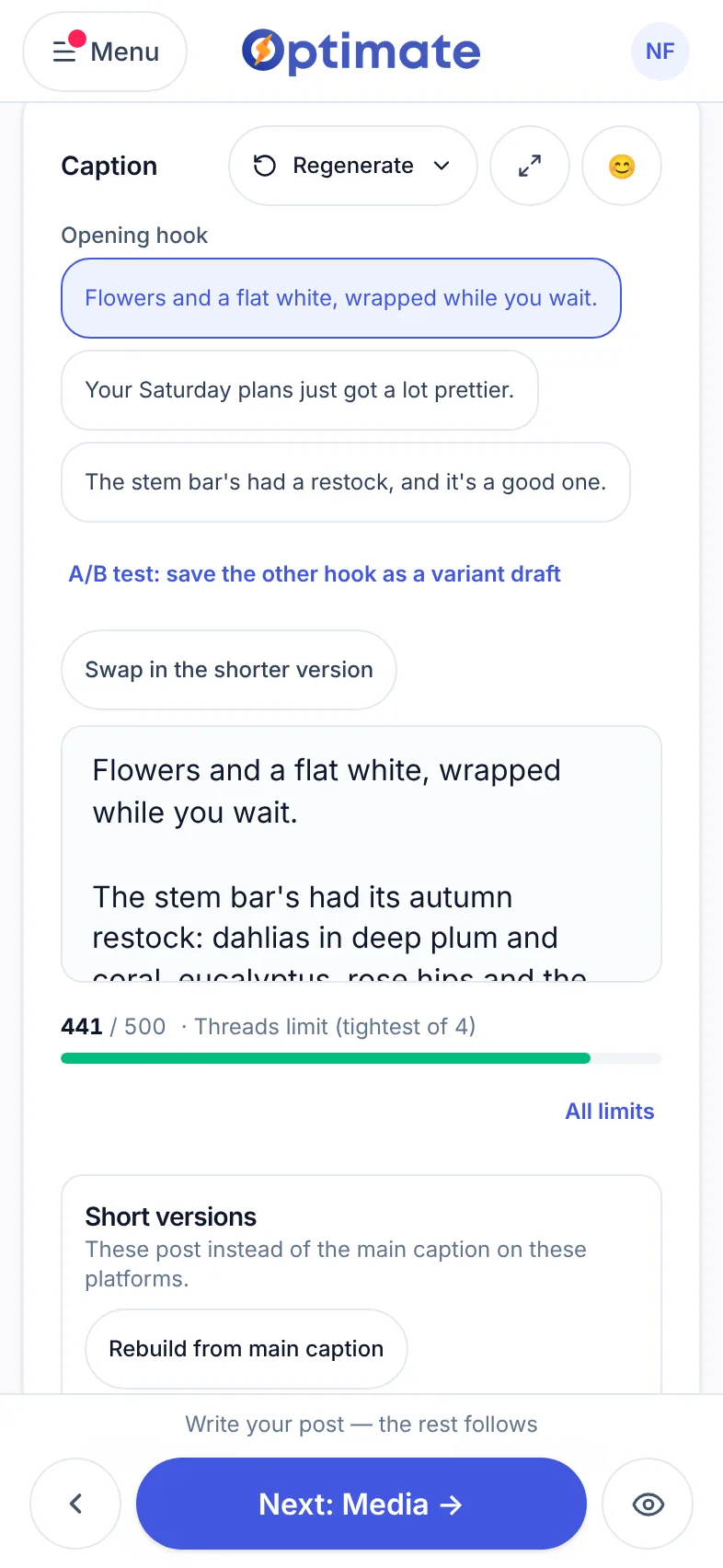
Write it in your voice
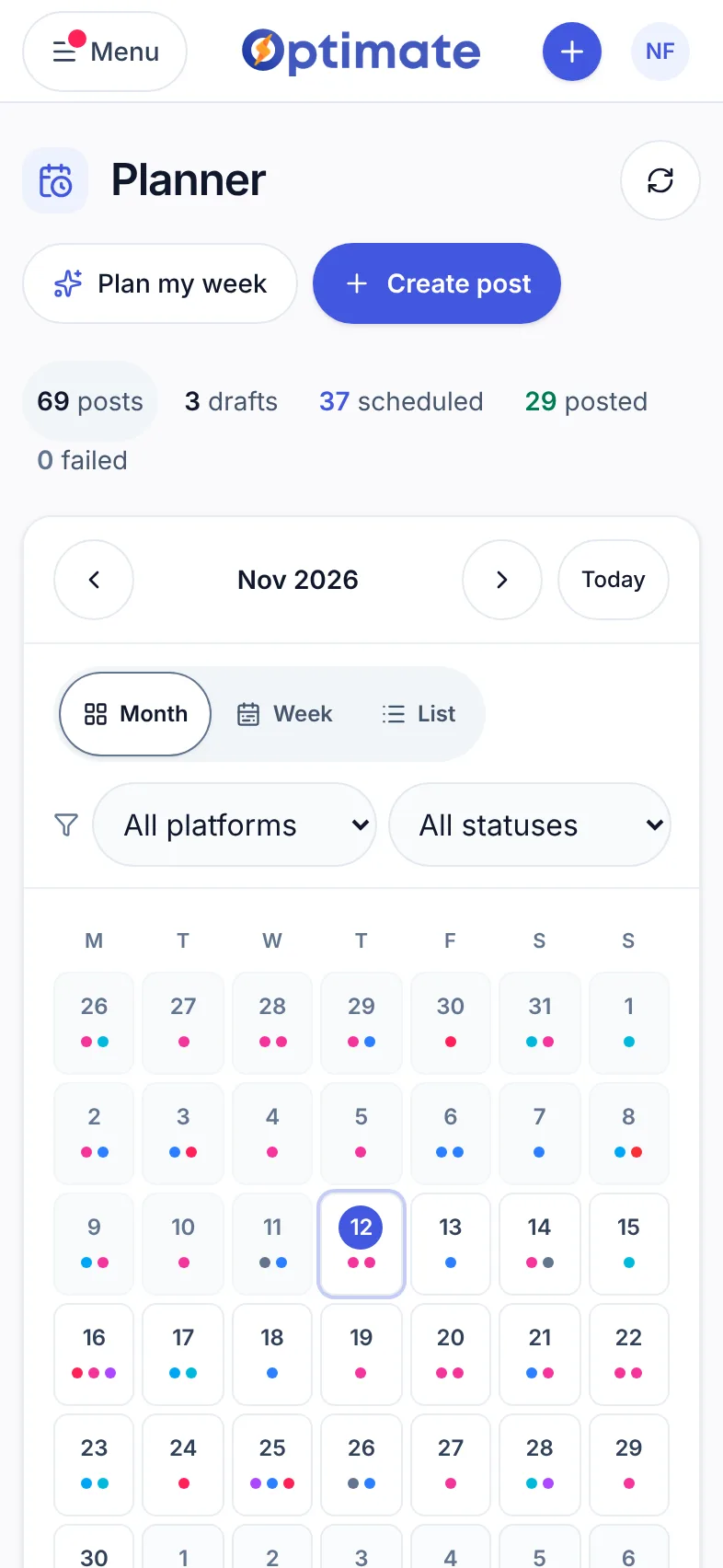
Plan the month
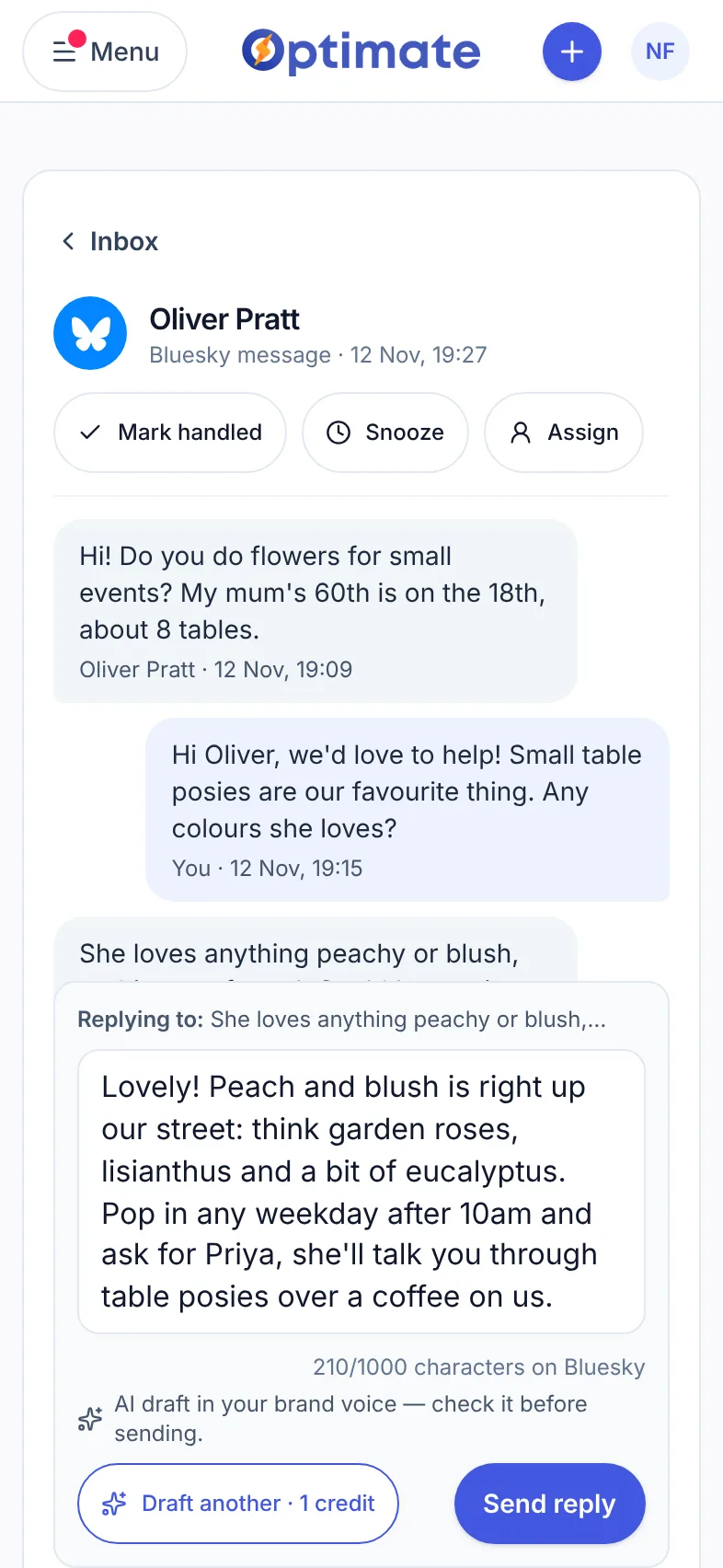
Reply from anywhere
The creator grind, minus the fun parts
Content burnout
Coming up with fresh ideas every single day is exhausting, and the pressure to post kills the creativity.
Reposting the same thing everywhere
Manually reformatting one idea for Instagram, TikTok, X and LinkedIn eats hours you'd rather spend creating.
Guessing what your audience wants
You post, you hope, and it's hard to tell which formats and hooks are actually driving growth.
Create more, admin less
Optimate turns one idea into a week of platform-ready content and shows you what's resonating — all in one place.
Batch-create in your voice
Generate hooks, captions, hashtags and images with AI that matches your tone — spin out a week of ideas in one sitting.
Repurpose across platforms
Turn a single post into a LinkedIn post, a Facebook post, an Instagram carousel, a TikTok script and a YouTube Short idea in a couple of clicks.
See what's really growing you
Track reach, engagement and your top posts in one dashboard for your connected accounts on paid plans, not six apps (LinkedIn doesn't share analytics for personal profiles).
Know what to post next
Data-backed recommendations tell you which formats and hooks to lean into, based on your own performance.
Best days to post
Optimate learns which days your posts perform best for your audience, so consistency turns into momentum.
Schedule and stay consistent
Queue a full week on the planner across all your channels, so your feeds stay active even when you're heads-down creating.
These were all made in Optimate
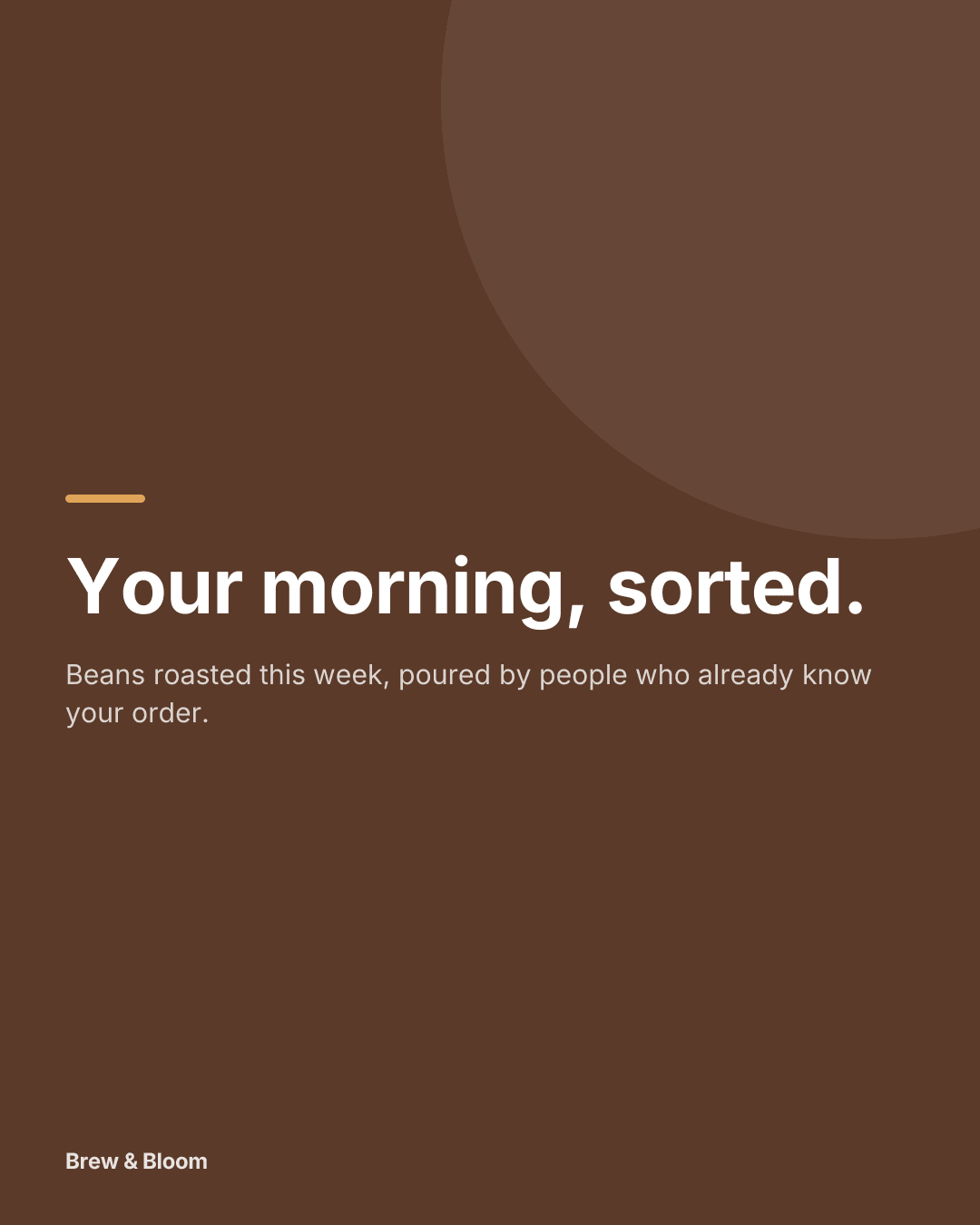
Example posts made in Optimate for five different types of business — each in its own colours and voice. Not a mockup, not stock.



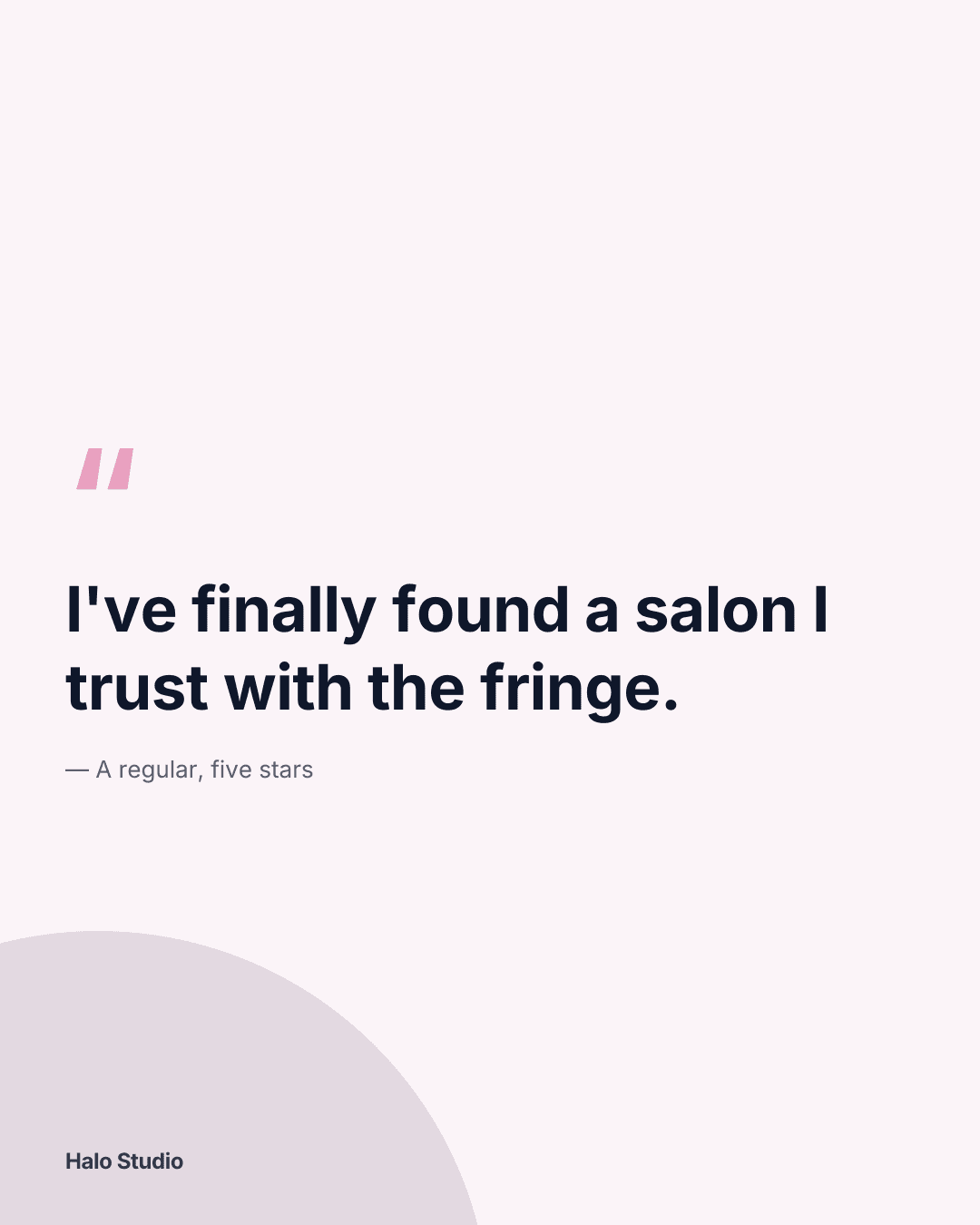
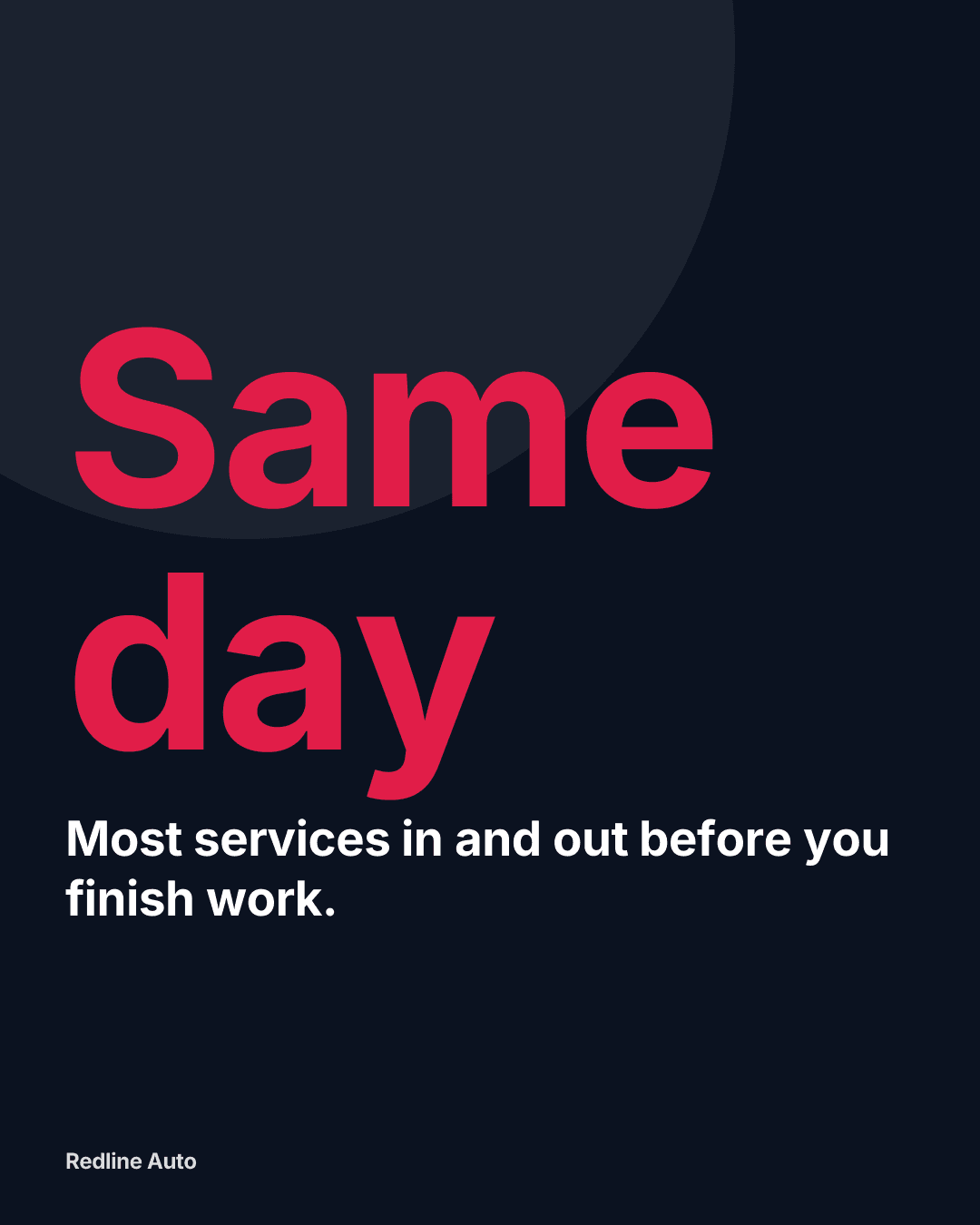
The Social Media Growth Engine
Four steps, one loop. Every week’s results feed next week’s ideas, so your posts keep getting better.
- 1
Analyse
See what's working across your connected accounts in one dashboard.
Analytics
Reels get 3× your usual reach
- 2
Recommend
Get specific suggestions on what to post next, and when.
Next post
Post a Reel on Tuesday, 18:00
Your best slot last month
- 3
Create
Turn each idea into on-brand captions, images and designs.
Create post
Autumn restock is in: dahlias, eucalyptus and the last sunflowers.
In your brand voice
- 4
Schedule
Queue it on your best days and publish to all 13 platforms.
Planner
3 posts booked this week
Then it learns. Post results go straight back into step 1, and the next recommendations get sharper.
Illustrative examples. Analytics and recommendations are on paid plans. LinkedIn doesn't share analytics for personal profiles.
About an hour a week: plan 15 min · create 30–40 min · schedule 10–15 min.
How it works in detailOne idea → a week of content
- 1
Start with a theme
Pick a topic or drop in an idea, and let the AI expand it into hooks, captions and variations.
- 2
Adapt for each platform
Repurpose it into platform-native versions and tweak the tone in seconds.
- 3
Schedule and learn
Queue the week, then check which posts landed and let the recommendations shape the next batch.
Plus the handy extras
Small tools that save you time every week, in the same login.
Profile health check
Every planScores each profile and says exactly what to fix.
Link-in-bio page
Every planOne link for your bio, in your logo and colours.
Instagram grid preview
See a post beside your recent ones before it goes out.
Post again what worked
Older posts worth a second run, ranked on real results.
Repurpose a post
Turn one post into versions for each platform.
Bulk upload
Paid plansA month of posts from one spreadsheet, checked first.
Illustrative examples.
Plans from £29 a month
Every paid plan publishes to all the supported platforms. Start with 14 days free, no card. After that you choose a plan or move to Free, and nothing is charged unless you subscribe.
Pro
For one brand- Pro price
- £29 / month
- Up to 10 connected accounts
- AI posts, designs and analytics
- Inbox and Claude, ChatGPT & Copilot
Studio
For a handful of clients- Studio price
- £59 / month
- Up to 3 clients, 15 connected accounts
- Client approval links
- Client-branded report links
Agency
For agencies- Agency price
- £135 / month
- Unlimited clients, up to 50 connected accounts
- Your branding on reports and approvals
- Priority support
Common questions
Can Optimate match my personal style?
Yes — set your brand voice, audience and preferred CTAs once, and every AI draft comes out sounding like you.
Which platforms are supported?
LinkedIn, Instagram, Facebook, X, YouTube, TikTok, Pinterest, Threads, Google Business, Bluesky, Mastodon, Telegram and Discord — all from one workspace. LinkedIn: personal profiles for now; Company Pages once LinkedIn approves Optimate.
Is there a free option?
Yes. Every new account starts with a 14-day free trial, no card needed. After that, Free covers up to 3 connected accounts and 5 free AI generations to try, for captions, branded designs and carousels; AI pictures and video are on paid plans. Pro is £29/month (early-adopter) or £290/year.
Can it help me repurpose content?
That's a core use case — take one post and adapt it into platform-specific versions rather than starting from scratch each time.
Also for creators
Check your bio first — free, no account
Before any of this matters, your profile has to convert the people who do land on it. Paste your bio and we score it against that platform's real limits: whether it says what you actually do, whether there's a link and a reason to click it, and whether your handle matches across platforms. It runs in your browser and nothing is stored.
Open the bio checkerTurn consistency into growth
Batch your next week of content with AI and see what it does for your output. 14-day free trial, no card needed.