Schedule Pinterest posts from one calendar
Schedule Pins to your boards days or weeks ahead, beside your other channels.
No card needed · moves to Free after 14 days
Publishes to all 11 platforms: LinkedIn, Instagram, Facebook, X, YouTube, TikTok, Pinterest, Threads, Google Business, Bluesky and Mastodon.
Why Pinterest posting slips
Posting when you remember
Pinterest rewards a steady rhythm, and posting in bursts then stopping resets it.
Finding out at the last minute
A caption over Pinterest's limit, or the wrong kind of media, is only refused when you press Post.
One app per platform
Opening Pinterest, then every other app, to post the same news is slow and easy to forget.
How Optimate schedules Pinterest
Write it once, check it against Pinterest's own rules, and pick a time. It publishes while you get on with your day.
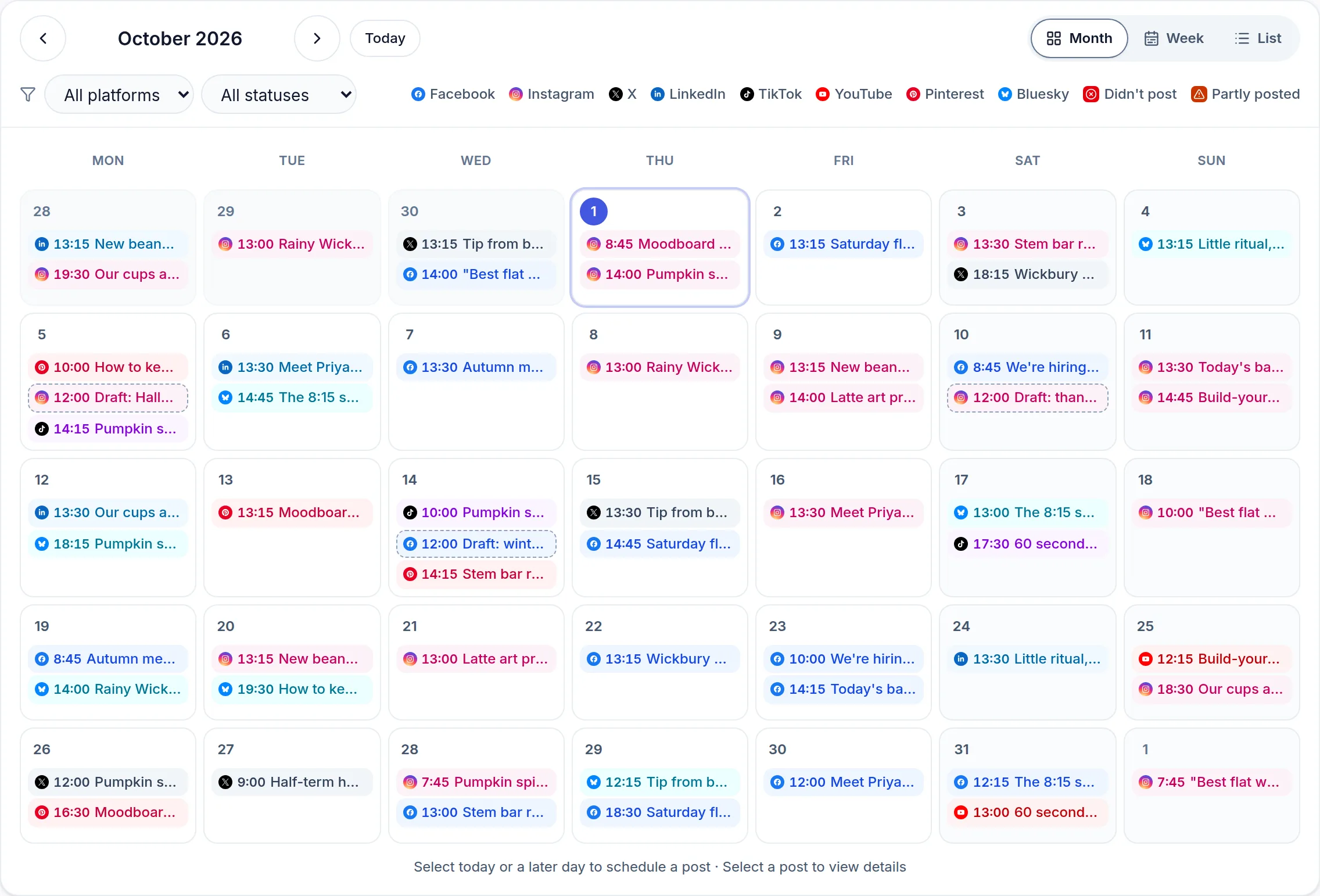
One calendar for every platform
Pinterest sits on the same planner as LinkedIn, Instagram, Facebook, X, YouTube, TikTok, Threads, Google Business, Bluesky and Mastodon.
Checked against Pinterest's rules
The caption is counted as you type and the media checked before it is queued, so a post Pinterest would refuse is caught before it is scheduled.
Tailored per platform
Post the same news everywhere, with the wording adjusted for Pinterest, and preview it the way Pinterest will show it.
Post now or later
Pick a time, or publish straight away when something can't wait.
Pinterest's limits
- Caption length
- 500 characters
- Photos and video
- A Pin is built around an image, so every Pin needs one. Video alone won't make a Pin.
- Image size (standard pin)
- 1,000 × 1,500 px, 2:3
How it works
- 1
Connect Pinterest
Sign in to Pinterest from Connections. It takes a minute.
- 2
Write the post
Write it yourself, or start from a caption written in your brand's voice.
- 3
Pick a time
Schedule it, and it goes out on Pinterest at that time.
Scheduling somewhere else too?
Common questions
Can I schedule Pinterest posts for free?
Yes. Every new account starts with a 14-day free trial, no card needed, and the Free plan afterwards keeps a small queue of scheduled posts.
What is Pinterest's character limit?
500 characters for a post or caption. Optimate counts as you type and warns before you schedule anything Pinterest would refuse.
What can I attach to a Pinterest post?
A Pin is built around an image, so every Pin needs one. Video alone won't make a Pin.
Can I post the same thing to Pinterest and other platforms?
Yes. Write one post, tick every platform it should go to, and adjust the wording for each one before it is scheduled.
Pinterest image sizes
Every size Pinterest asks for, from posts to profile pictures, on one page with every other platform's.
See the image sizesQueue a week of Pinterest posts in one sitting
14-day free trial, no card needed.