Schedule Telegram posts from one calendar
Schedule posts to your Telegram channel or group through Optimate's bot, on the same calendar as your other channels.
No card needed · moves to Free after 14 days
Publishes to all 13 platforms: LinkedIn, Instagram, Facebook, X, YouTube, TikTok, Pinterest, Threads, Google Business, Bluesky, Mastodon, Telegram and Discord.
Why Telegram posting slips
Posting when you remember
Telegram rewards a steady rhythm, and posting in bursts then stopping resets it.
Finding out at the last minute
A caption over Telegram's limit, or the wrong kind of media, is only refused when you press Post.
One app per platform
Opening Telegram, then every other app, to post the same news is slow and easy to forget.
How Optimate schedules Telegram
Write it once, check it against Telegram's own rules, and pick a time. It publishes while you get on with your day.
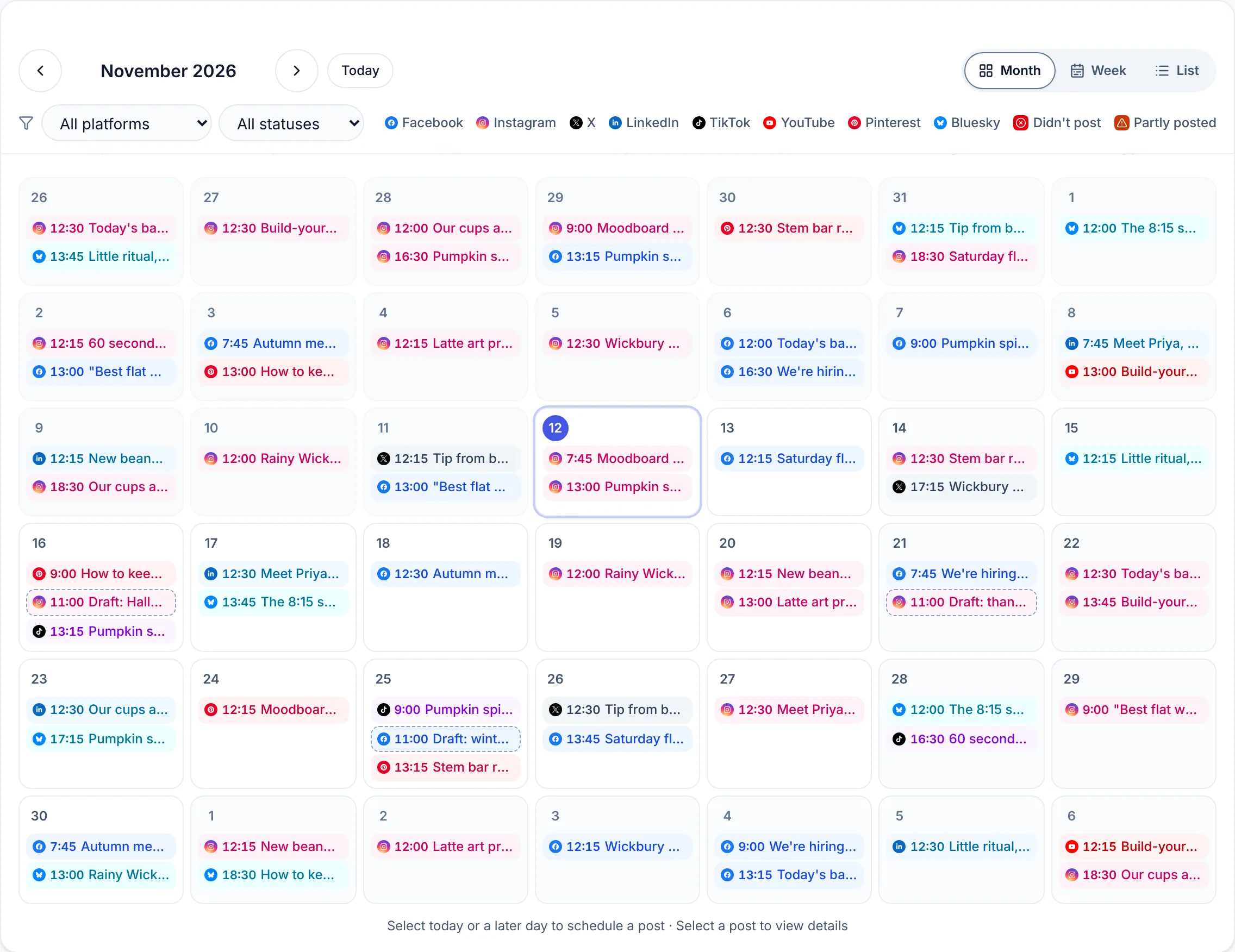
One calendar for every platform
Telegram sits on the same planner as LinkedIn, Instagram, Facebook, X, YouTube, TikTok, Pinterest, Threads, Google Business, Bluesky, Mastodon and Discord.
Checked against Telegram's rules
The caption is counted as you type and the media checked before it is queued, so a post Telegram would refuse is caught before it is scheduled.
Tailored per platform
Post the same news everywhere, with the wording adjusted for Telegram, and preview it the way Telegram will show it.
Post now or later
Pick a time, or publish straight away when something can't wait.
Telegram's limits
- Caption length
- 4,096 characters (1,024 under a photo or video)
- Photos and video
- Text alone, or up to 10 photos and videos as one album. With photos or video the caption is held to 1,024 characters.
- Image size
- Post photo: 1,280 × 1,280 px, 1:1
- Good to know
- You add Optimate's bot to your channel as an admin allowed to post. No Telegram password or login is ever shared.
Check a caption: Free Telegram character counter
Step by step: How to schedule Telegram channel posts
What Optimate catches on Telegram
- A text post over 4,096 characters, Telegram's limit for a message.
- A caption over 1,024 characters on a post with photos or video. Telegram allows far less text under media, so you are asked to shorten it before it is queued.
- More than 10 photos and videos, the most one Telegram album holds.
- A video too big for the bot to upload is posted as a link in the message instead, so the post still goes out.
Shaping a post for Telegram
- Members get a notification for each post, so a few good posts a week keep people subscribed better than many short ones.
- Put the point in the first line: it is what shows in the chat list and the notification.
- A private channel has no @name. Connect it with its numeric id, which starts with -100.
- If the bot is removed or loses its admin rights, the daily connection check flags it in Connections so you can add it back.
An example week on Telegram
One made-up small business's week, written in one sitting and scheduled ahead.
- Monday
- The week's plan for members: what's coming, and when.
- Wednesday
- An album of photos from a recent job, with a short caption.
- Thursday
- A members-only offer with a link and the date it ends.
- Saturday
- A longer write-up of a question members asked this week.
How it works
- 1
Connect Telegram
Add Optimate's bot as an admin of your channel, then connect it in Connections.
- 2
Write the post
Write it yourself, or start from a caption written in your brand's voice.
- 3
Pick a time
Schedule it, and it goes out on Telegram at that time.
Scheduling somewhere else too?
- LinkedIn scheduler
- Instagram scheduler
- Facebook scheduler
- X scheduler
- YouTube scheduler
- TikTok scheduler
- Pinterest scheduler
- Threads scheduler
- Google Business scheduler
- Bluesky scheduler
- Mastodon scheduler
- Discord scheduler
Common questions
Can I schedule Telegram posts for free?
Yes. Every new account starts with a 14-day free trial, no card needed, and the Free plan afterwards keeps a small queue of scheduled posts.
What is Telegram's character limit?
4,096 characters for a text post, or 1,024 under a photo or video. Optimate counts as you type and warns before you schedule anything Telegram would refuse.
What can I attach to a Telegram post?
Text alone, or up to 10 photos and videos as one album. With photos or video the caption is held to 1,024 characters.
Can I post the same thing to Telegram and other platforms?
Yes. Write one post, tick every platform it should go to, and adjust the wording for each one before it is scheduled.
Telegram image sizes
Every size Telegram asks for, from posts to profile pictures, on one page with every other platform's.
See the image sizesQueue a week of Telegram posts in one sitting
14-day free trial, no card needed.