In Optimate a client is a brand. Each one keeps its own voice, audience, logo, colours and connected accounts, so posts, AI drafts and analytics for one client never mix with another's.
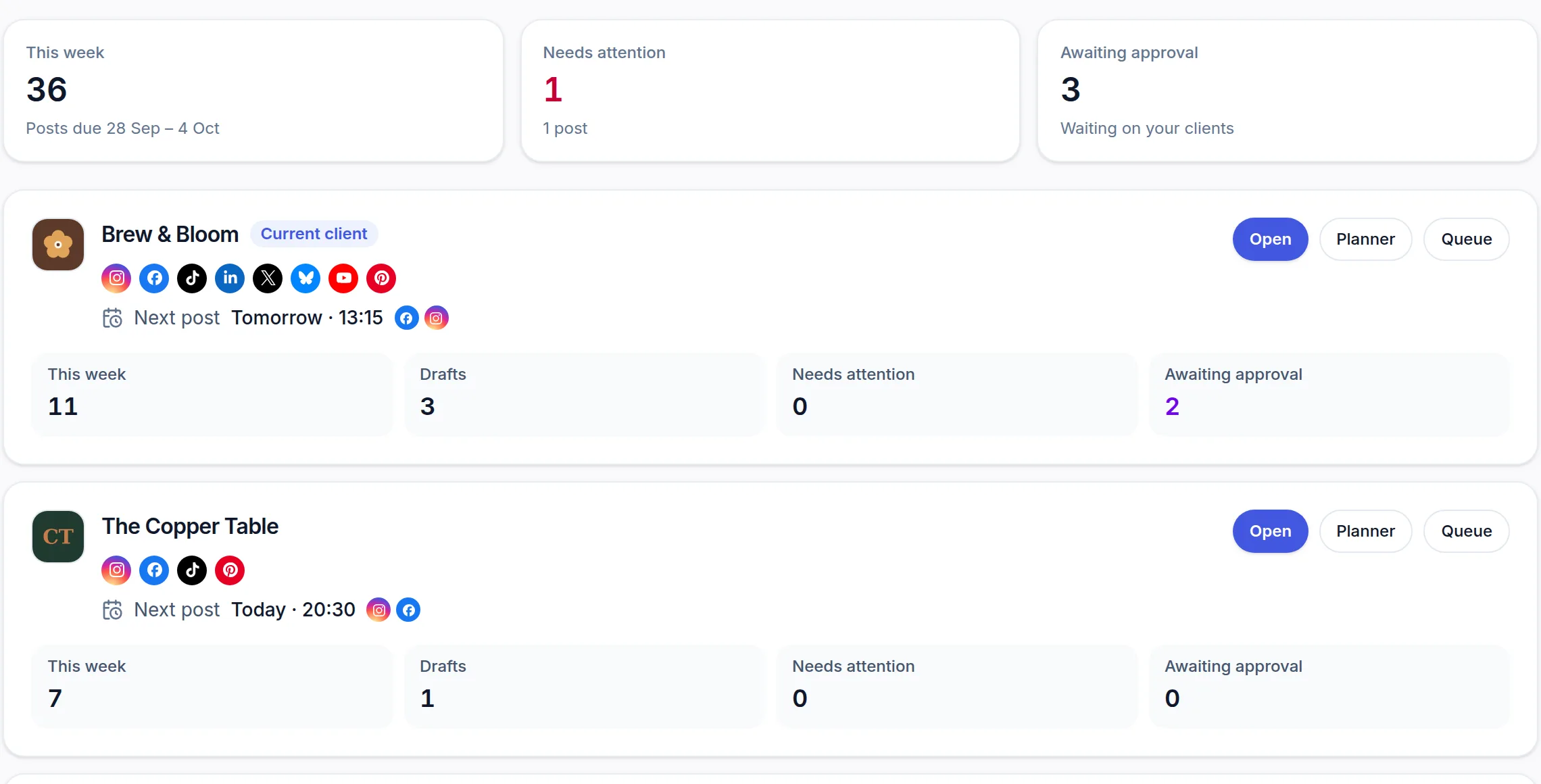 (opens the full-size screenshot)
Add a client
- Open Brand from the sidebar.
- Under Your brands, choose + Add a brand, type the client's name and choose Add brand.
- Fill in their details — or scan their website and let most of it fill itself in.
- Connect their social accounts in Connections, then use Assign accounts to clients on the Brand page so each account belongs to the right client.
Switch between clients
Once you have more than one brand, a Client bar appears under the app header. Pick a client there, or choose their brand on the Brand page. The client you pick becomes the active client everywhere: the composer, the Planner, Scheduled Posts and Analytics all show and apply to that client until you switch again.
How many clients each plan covers
- Free and Pro — one brand, your own.
- Studio — your own brand plus 3 clients.
- Agency — unlimited clients.
- Free trial — up to 3 clients on a Studio trial and 5 on an Agency trial. On a Pro trial, adding a second brand offers to switch your trial to Studio or Agency, still free, with the same end date.