Skip to content
Creating content

Setting up your brand

Define your brand voice, audience and colours once so every AI output stays on-brand.

Sign in to take a guided tour of brand setup

Your brand profile is the single source of truth Optimate uses when it writes captions and generates images. Set it up once and it's applied everywhere.
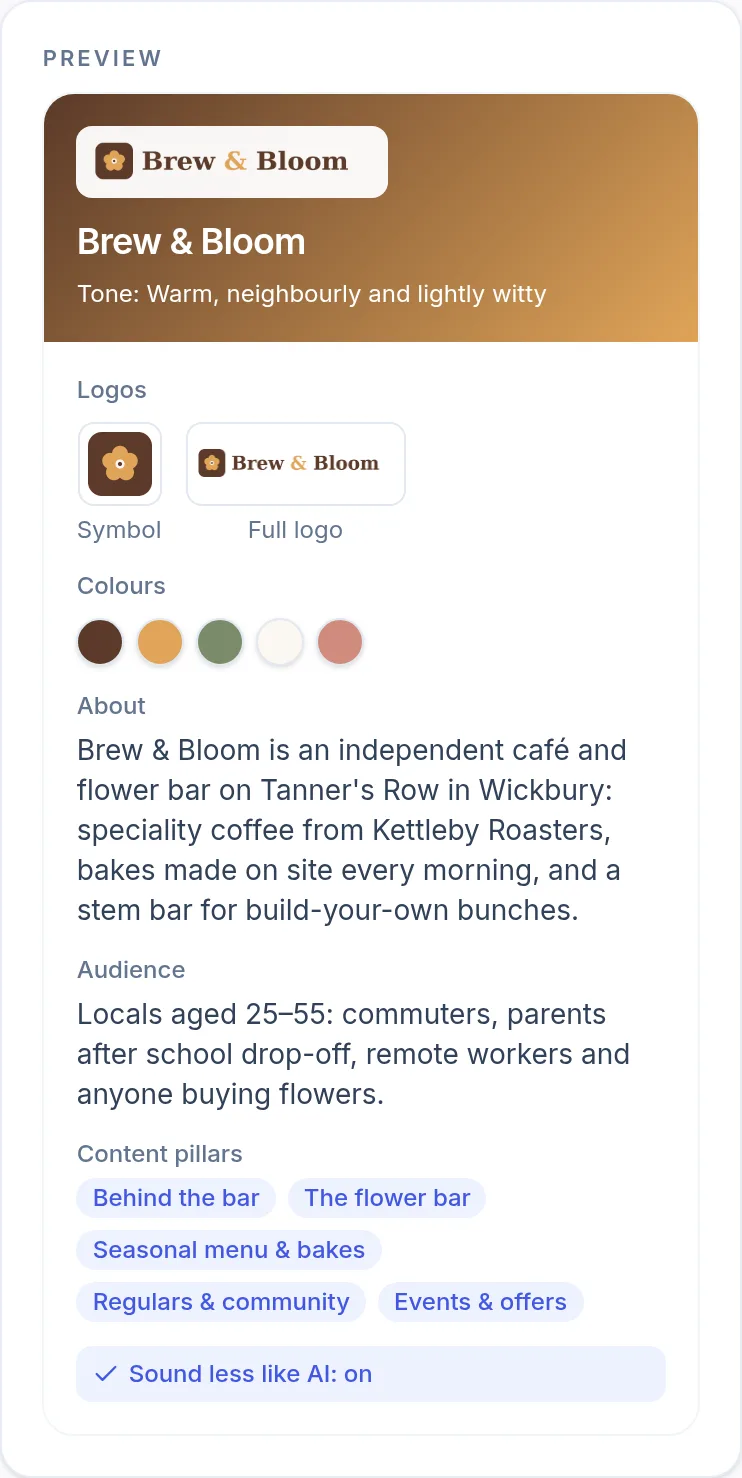
The brand preview for a demo café, Brew & Bloom: its logos, five brand colours, a short description, its audience, five content pillars and Sound less like AI switched on. (opens the full-size screenshot)
The preview on the Brand page sums up what every caption and image will use.

What to fill in

  • Business name and what you do.
  • Target audience — who you're talking to.
  • Brand voice and tone (e.g. human, story, short, corporate).
  • Keywords to include and words to avoid.
  • Brand colours and logo for image generation.

You can update your brand at any time from the Brand page, and the changes apply to future content.

Frequently asked

Can Claude use my brand profile?

Yes — when connected, Claude can read your brand profile so its drafts match your voice and audience.

Was this article helpful?

Related articles

Still stuck? Talk to us

Tell us what you were trying to do and what happened, and someone on the team will reply. We reply to every message.

Think something is down? Check service status