Skip to content
Analytics & insights

Recommendations & best days to post

Data-backed suggestions on what to post and when, built from your own results: your best days to post and a strategy you can tick off as you go.

Sign in to take a guided tour of recommendations

Optimate turns your performance data into practical guidance: which days your posts perform best and what to focus on next.
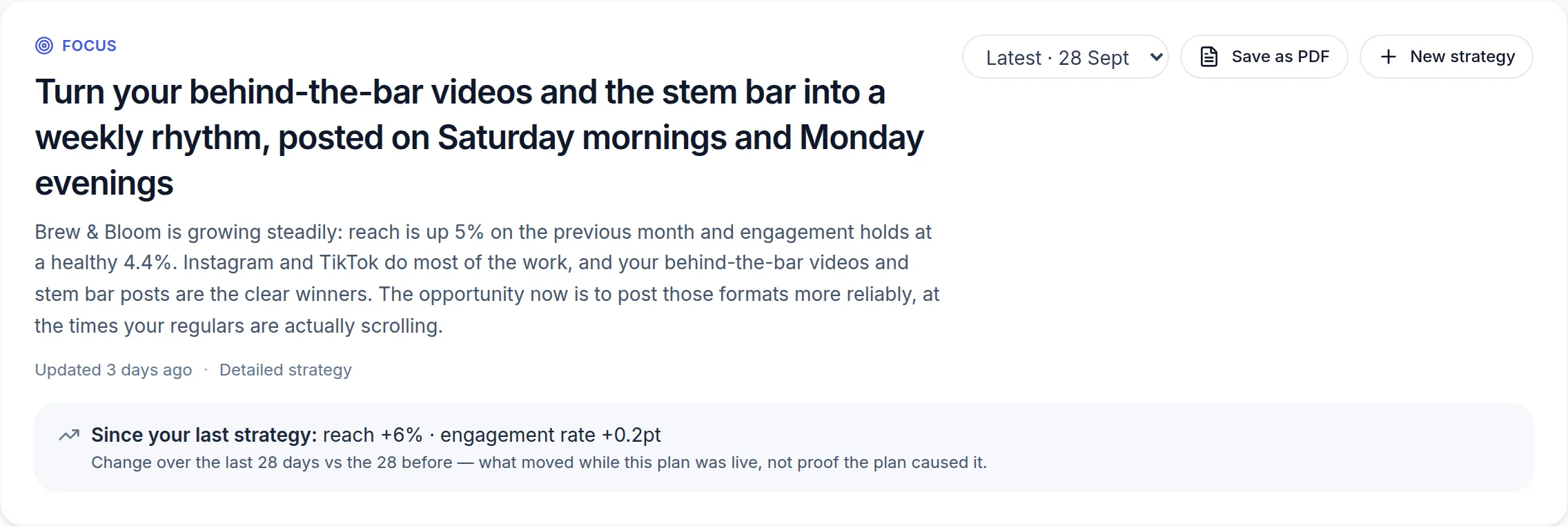
The current strategy for a demo café: a one-line focus, a short explanation of what is working, and Save as PDF and New strategy buttons. (opens the full-size screenshot)
Your current focus, and what it is based on.

On Build a new strategy, pick what you want help with: This week's plan, a 30-day growth strategy, or What to post next. Or ask in your own words. Choose Simple strategy for clear next steps or Detailed strategy for more depth, then Build new strategy. The plan appears on Your strategy, where you tick things off as you go. Recommendations is on Pro and up, and during the trial.

Recommendations. Building a plan from your own results and working through it. Silent demo on a made-up café account.

Best days and hours are worked out from your own recent posts, so they reflect your audience rather than generic advice — and Optimate only names one when there's enough data to be honest about it. You'll find them under Timing in Analytics, and as the Best button when you schedule a post.

Frequently asked

Why don't I see a best day yet?

It needs enough recent posts to be reliable. Keep posting and the guidance appears once there's a clear pattern.

Was this article helpful?

Related articles

Still stuck? Talk to us

Tell us what you were trying to do and what happened, and someone on the team will reply. We reply to every message.

Think something is down? Check service status