The client report rolls up a client's analytics — followers, reach, engagement and their top posts — into one page labelled with the client's own name, logo and colour: it is their document. The PDF carries no Optimate branding; a shared link ends with a small "Made with Optimate" line, which on Agency you can swap for your own logo and name.
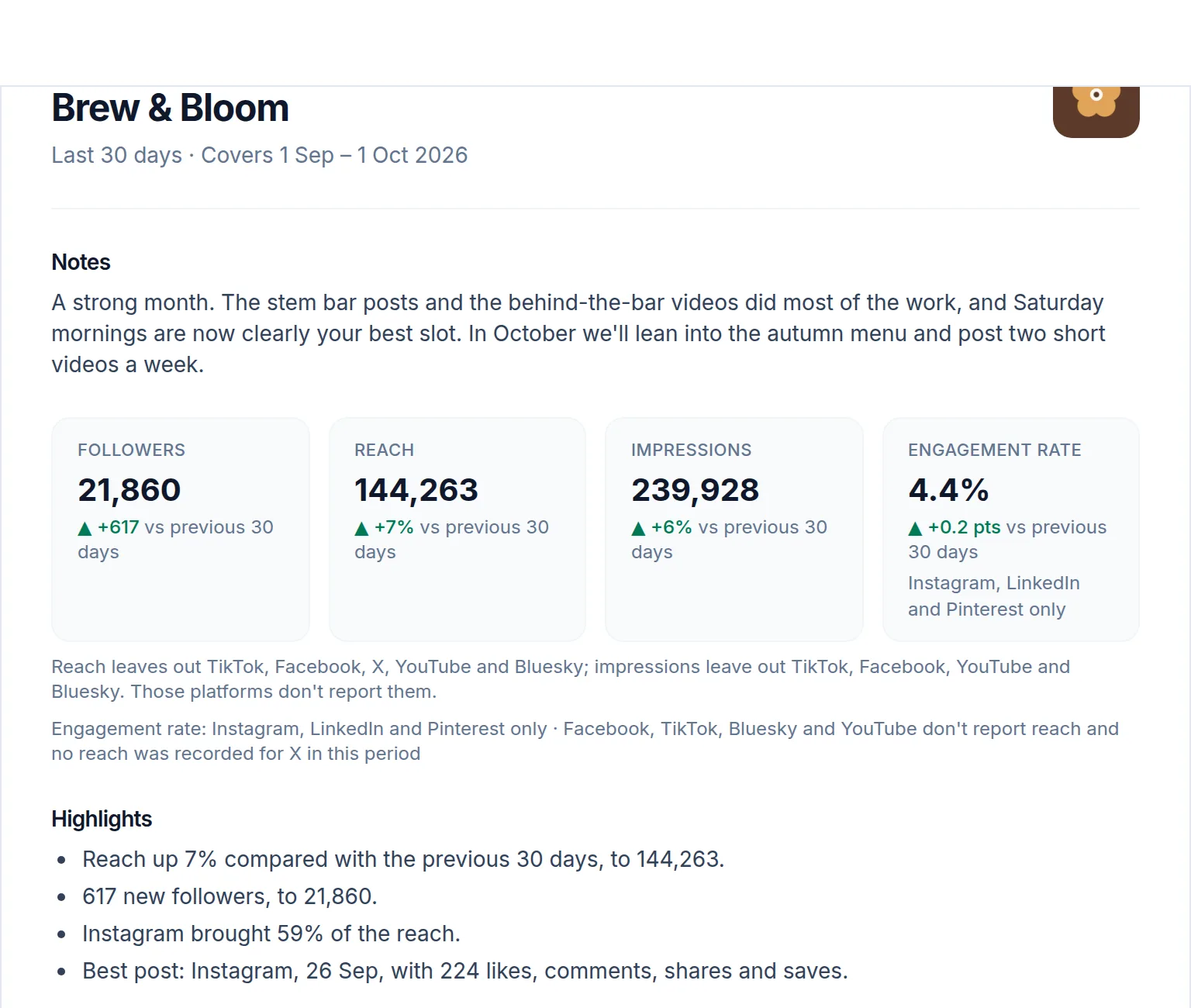 (opens the full-size screenshot)
Open the report
- Switch to the client you want a report for.
- Open Analytics, choose the date range, then choose Client report.
- Choose Download PDF to save or print it.
Share a live link
On the report page, turn on Share this report to get a link your client can open without an account. The page updates itself, so whoever holds the link always sees current numbers. Only editors on your team can see the link or switch it on and off, and a new link stops the old one working immediately.
The report is available on every paid plan and during the free trial, once the client has analytics to show. Switching sharing off works on any plan, so you can always withdraw a link.