Skip to content
Creating content

Creating AI images

Generate visuals that match your post, in the composer or through Claude.

Sign in to take a guided tour of the media creator

Optimate can generate AI images to go with your posts. Describe what you want and Optimate creates a visual you can attach to a post.
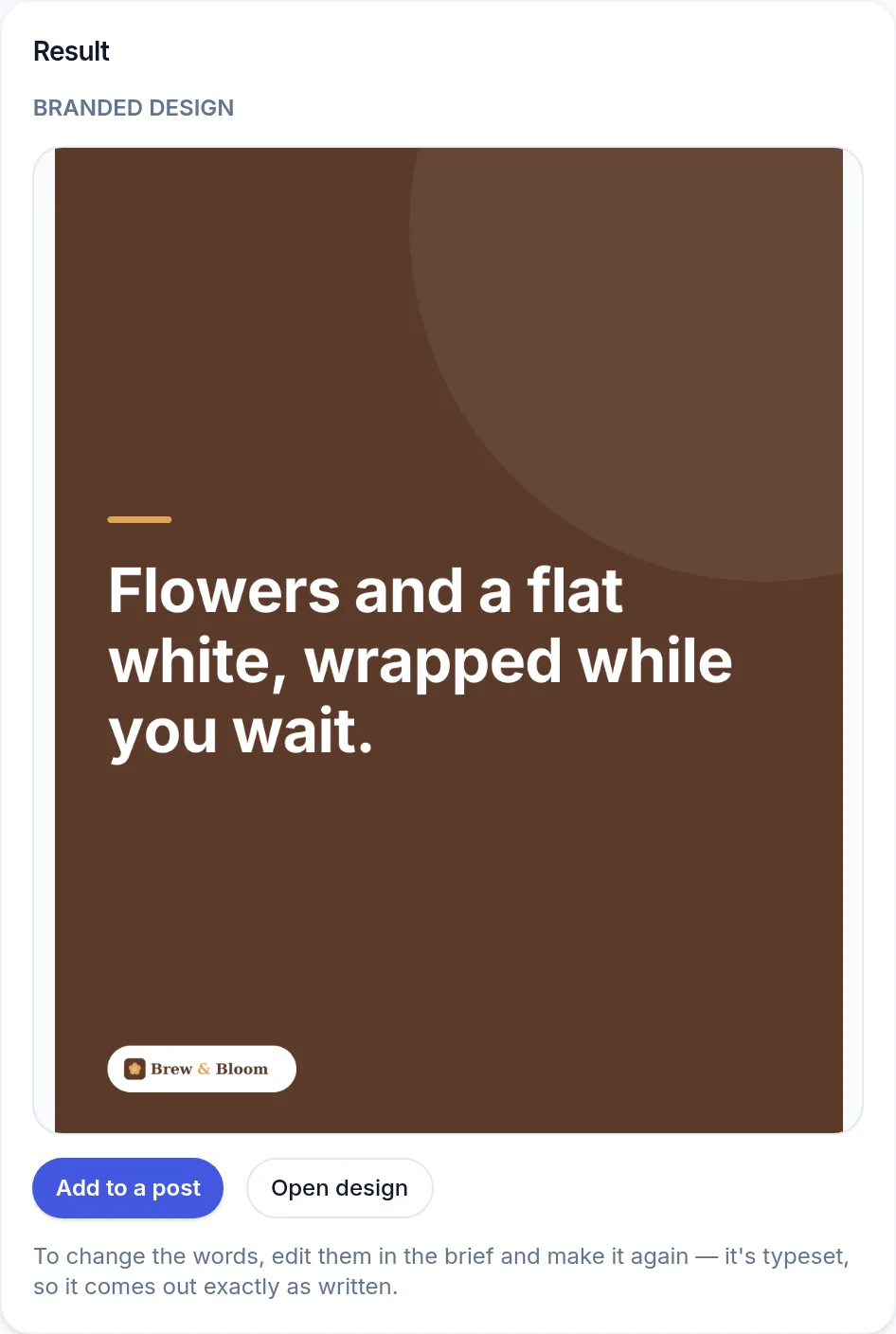
The Media Creator's result for a demo café: a branded design reading Flowers and a flat white, wrapped while you wait, in the café's colours with its logo, and Add to a post and Open design buttons. (opens the full-size screenshot)
A finished design in the brand's own colours and logo, ready to add to a post.

Where to generate

  • In the composer — create an image to match the caption you've written.
  • Through Claude — ask for an image and it returns a URL you can schedule or post.

AI image generation uses your monthly AI allowance and is available on every paid plan (Pro and above).

Frequently asked

What aspect ratios are available?

Square, portrait and landscape, so you can match the platform you're posting to.

Was this article helpful?

Related articles

Still stuck? Talk to us

Tell us what you were trying to do and what happened, and someone on the team will reply. We reply to every message.

Think something is down? Check service status