Connecting an account lets Optimate publish on your behalf and read back performance metrics. You stay in control — you can disconnect any account at any time.
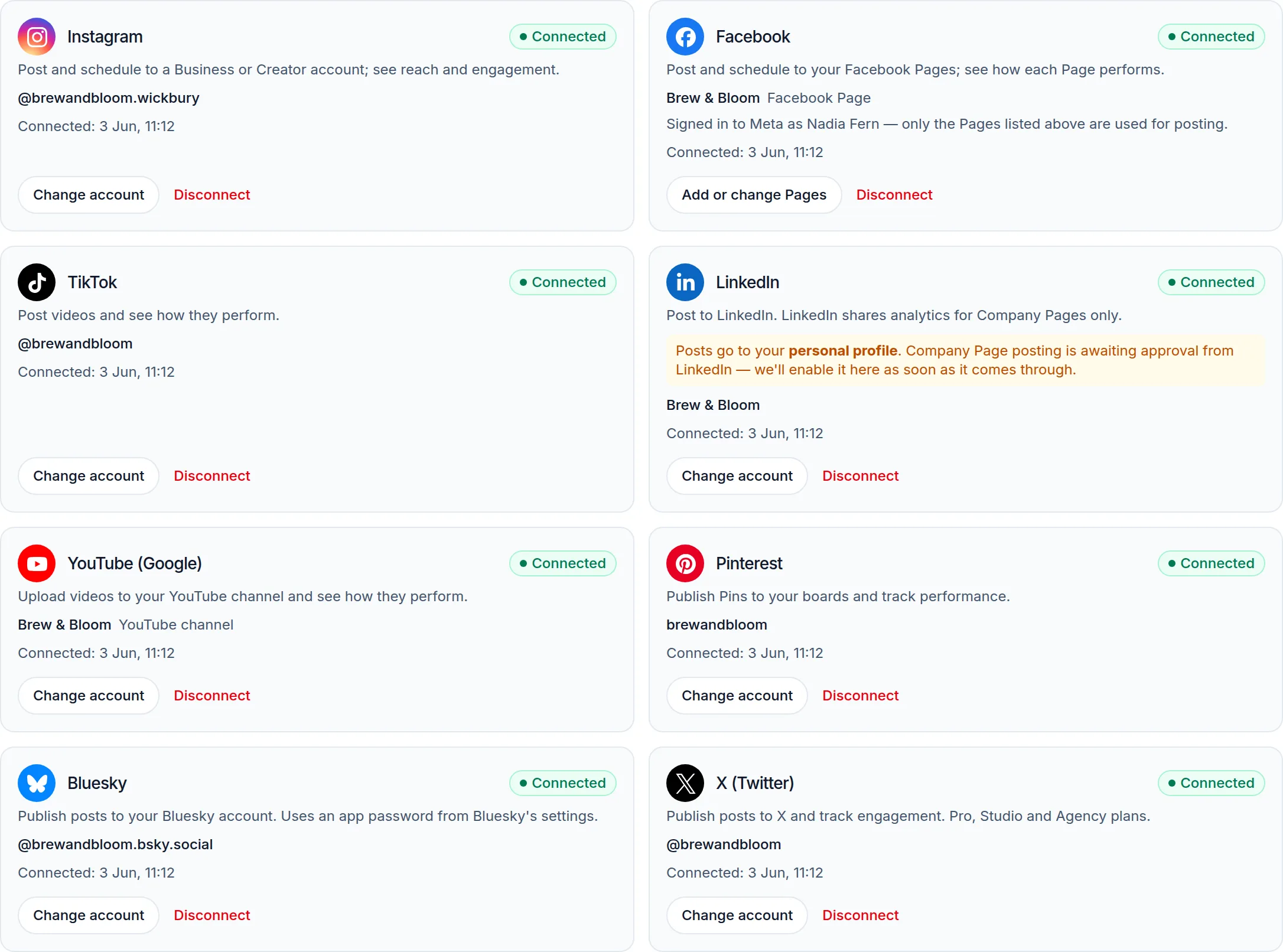 (opens the full-size screenshot)
How to connect
- Go to Settings → Connections.
- Find the platform you want and click Connect.
- Sign in to that platform and approve the requested permissions.
- You'll return to Optimate with the account showing as Connected.
Good to know
- Facebook and Instagram connect through a Facebook Page — pick the Page you manage.
- We only request the permissions needed to publish and read analytics.
- You can reconnect at any time if a platform's access expires.